For many businesses in Pakistan, WhatsApp is already where customer conversations happen. The challenge is turning that familiar channel into a reliable business workflow when message volume grows.
WhatsApp automation in Pakistan can help businesses acknowledge enquiries, route conversations, collect requirements, send permitted updates and connect customer messages with CRM or ecommerce data.
This guide explains how the setup works, what it can cost, which use cases make sense locally and what businesses should consider before automating at scale.
Is WhatsApp automation available in Pakistan?
Yes. Pakistani businesses can use WhatsApp Business tools and, where eligible, connect the WhatsApp Business Platform with CRM, automation and customer-service systems.
The exact onboarding experience depends on the platform, business account and WhatsApp/Meta requirements in effect at the time.
For simple needs, the WhatsApp Business app may be enough. For multi-agent inboxes, routing, integrations and structured workflows, businesses typically move toward the WhatsApp Business Platform connected to a CRM or automation tool.
Why WhatsApp automation makes sense for Pakistani businesses
The strongest use cases are not “send more messages.” They are operational problems that teams already handle manually.
Examples include:
- repeated product and price questions
- after-hours enquiries
- order-status requests
- lead qualification
- booking and appointment requests
- location and service-area questions
- routing sales vs support conversations
- follow-up that gets missed when chats pile up
Automation is valuable when it removes repetition while keeping a human available for exceptions.
Common use case: ecommerce in Pakistan
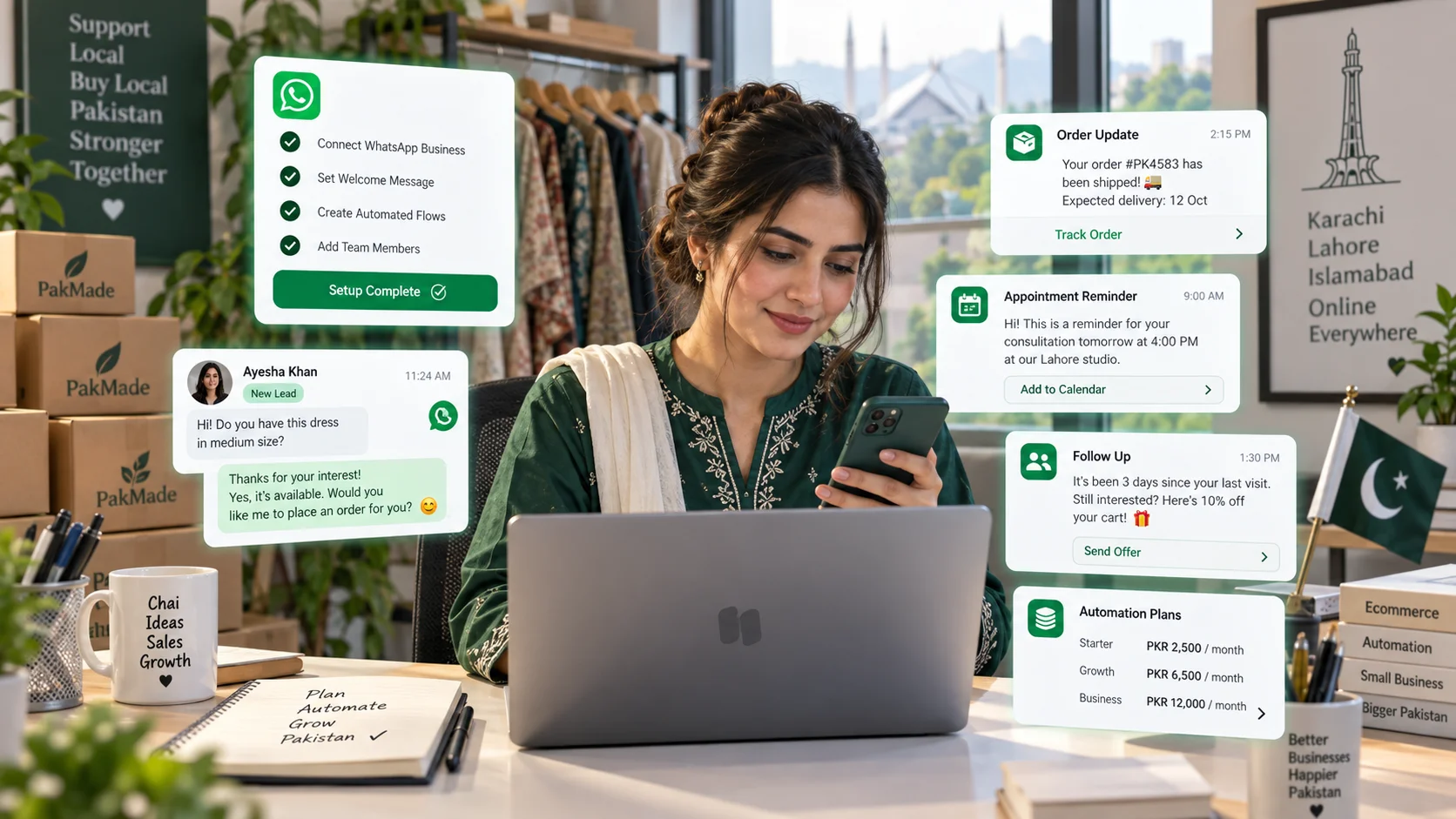
Pakistani ecommerce teams often handle product questions, cash-on-delivery concerns, delivery status, stock availability and order changes through messaging.
A connected workflow can:
- identify the customer;
- show previous conversation or order context;
- answer common questions;
- route complex issues to a person;
- record the outcome for future conversations.
For Shopify and WooCommerce stores, connecting store context to the conversation can reduce the time agents spend switching between systems.
Common use case: home services
An electrician, HVAC company, plumber or appliance-repair business may receive enquiries such as “Do you cover DHA?” or “Can someone come today?”
An automation can collect:
- customer name
- area or location
- service required
- urgency
- preferred time
Then it can assign the request to the right team. This makes the first response faster without requiring the automation to diagnose the technical problem.
Common use case: clinics and appointment-driven businesses
Appointment-based businesses can use WhatsApp to acknowledge enquiries, collect preferred dates, answer general non-sensitive questions and route the customer to a booking or support team.
Be careful with sensitive personal information. Collect only what is needed for the workflow and review the legal and professional requirements that apply to your industry.
Common use case: real estate and professional services
Lead qualification can be useful when the same initial questions repeat.
A real estate workflow might collect location, property type and budget range. A professional-services firm might collect service type and preferred consultation time.
The goal is to give the human agent context before the conversation reaches them.
How to set up WhatsApp automation in Pakistan
Step 1: Define the workflow
Write down what happens today from the first message to the final outcome. Do not automate a process the team itself cannot explain.
Step 2: Choose the right WhatsApp setup
Use the Business app for simple owner-managed messaging. Use the WhatsApp Business Platform with a CRM when you need shared access, automation, integrations or higher operational control.
Step 3: Connect a CRM or automation platform
The CRM should become the place where ownership, customer history and next actions are visible.
Step 4: Configure opt-in and templates
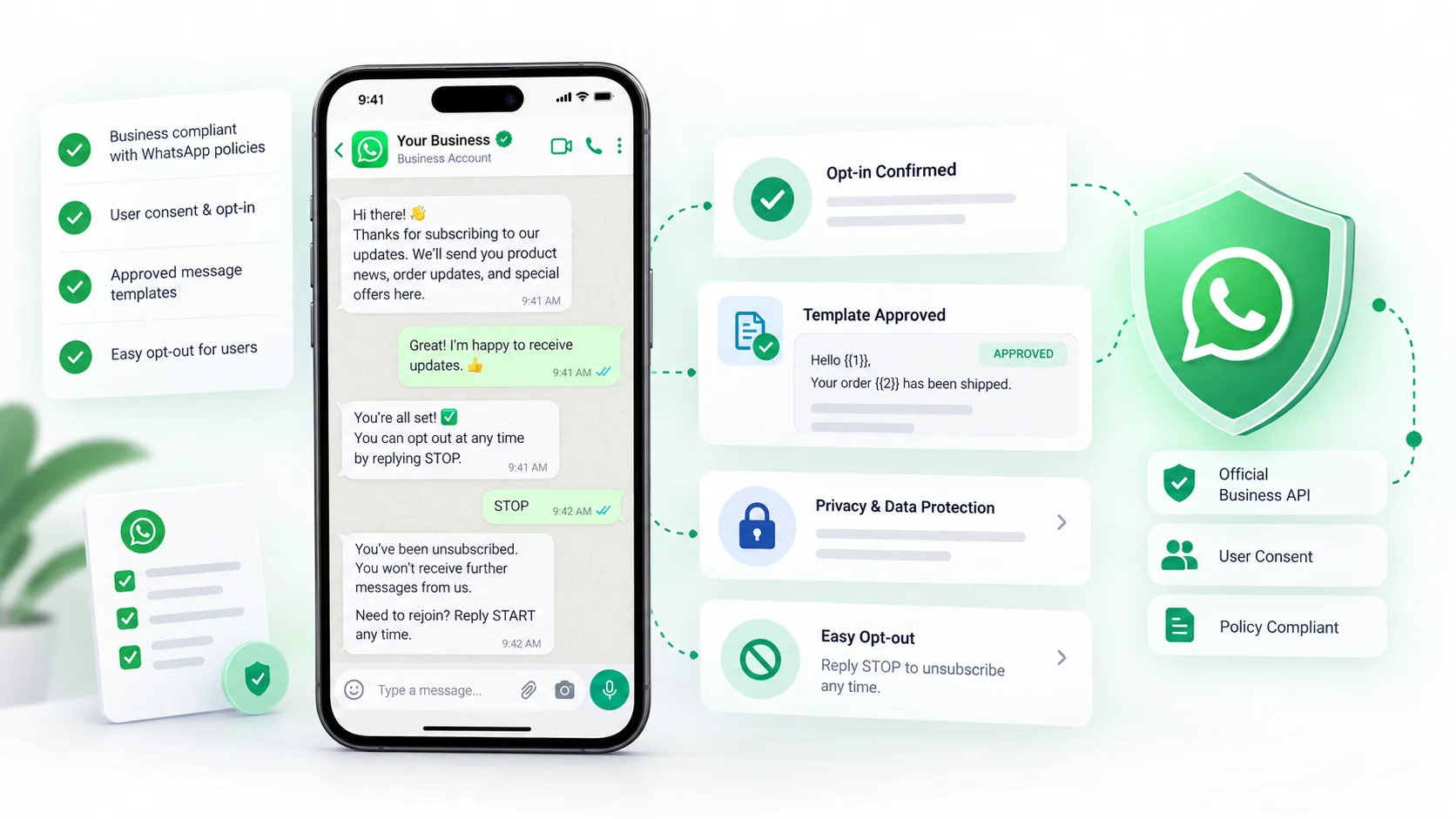
Make sure customers understand when they are agreeing to receive WhatsApp messages and use approved templates where WhatsApp requires them.
Step 5: Test with real scenarios
Test new leads, returning customers, after-hours messages, handoff to humans, opt-outs and failed automation paths.
For the full integration process, see our guide to connecting WhatsApp with a CRM.
How much does WhatsApp automation cost in Pakistan?
There is no single monthly price because the total depends on several layers:
- CRM or automation software subscription
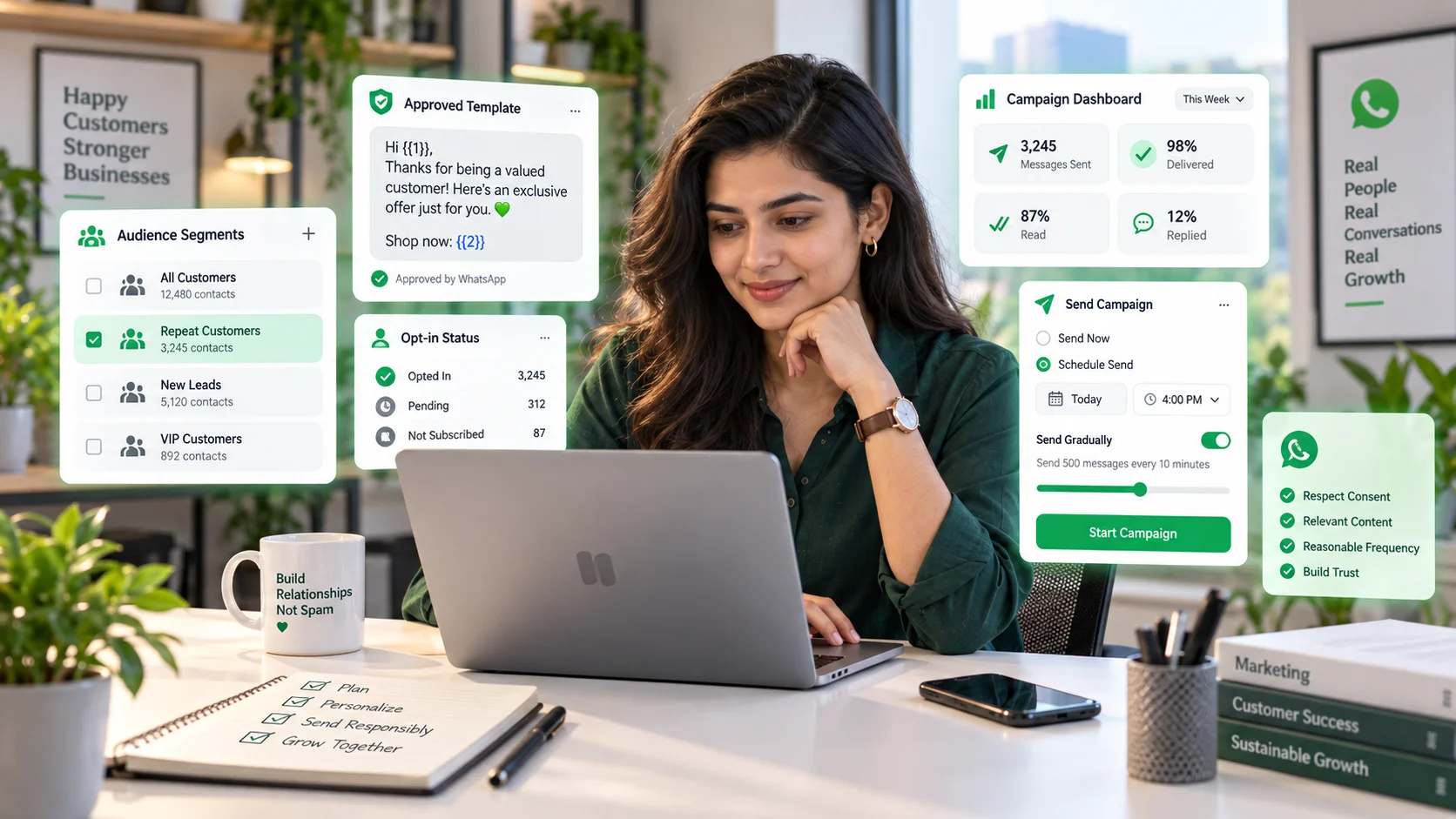
- applicable WhatsApp Business Platform messaging charges
- number of team members
- monthly message volume
- AI or automation usage
- integrations and custom implementation
For a low-volume business, the main cost may be the software plan. At higher scale, message usage, additional team members and automation capacity become more important.
Our free WhatsApp CRM guide explains why “free” software does not always mean zero total cost.
Is WhatsApp automation free in Pakistan?
Basic features in the WhatsApp Business app can be free, but a business-grade setup with official API connectivity, multi-agent inboxes, automation, CRM features or AI usually involves paid components.
Do not judge a platform only by its starting price. Compare the expected cost at your real team size and message volume.
WhatsApp automation policy still applies in Pakistan
WhatsApp’s own Business Messaging Policy applies regardless of where the business is based.
The current policy says businesses should contact people only after they have provided their number and opted in to receive messages on WhatsApp. It also requires appropriate templates for certain business-initiated messages outside the 24-hour customer-service window and clear escalation paths when automation is used.
Review the official WhatsApp Business Messaging Policy because these rules can change.
What about spam and local compliance in Pakistan?
Businesses should also consider local rules and guidance around unsolicited communications, privacy and consumer protection.
Pakistan’s National CERT/FIA cyber-crime guidance describes messaging spam as unwanted commercial messages sent through instant-messaging platforms including WhatsApp. That is a useful practical reminder: just because a business has a phone number does not mean the recipient expects promotional messages.
You can review the public Cyber Crimes: Risks, Prevention and Legal Remedies guidance. For legal advice about your own campaigns, consult a qualified local professional.
English, Urdu and Roman Urdu workflows
Customer language matters operationally.
Many Pakistani businesses receive a mix of English, Urdu and Roman Urdu messages. A workflow should be designed around the language customers actually use, not the language the software demo happens to show.
Practical approaches include:
- letting the customer choose a preferred language;
- routing based on language where needed;
- maintaining approved reply templates in the languages you support;
- testing AI or automation with real local phrasing before going live.
Do not assume automated translation will always preserve product, pricing or policy meaning correctly.
How to avoid making the experience feel robotic
A useful WhatsApp workflow should be short.
Instead of asking ten questions before a customer reaches a person, collect only what is necessary for the next step.
For example:
- What do you need help with?
- Which city/area are you in?
- What is the best time for our team to contact you?
That is often enough to route a service enquiry. Everything else can happen in the human conversation.
Metrics Pakistani businesses should track
- first response time
- missed conversation rate
- lead-to-booking or lead-to-order conversion
- handoff rate
- resolution time
- repeat customer conversations
- opt-out and block signals
Do not optimize only for the number of automated replies. Automation should improve a business outcome.
A simple implementation checklist
- Define the top five conversation types.
- Decide which steps can be automated safely.
- Choose the WhatsApp Business setup that matches your scale.
- Connect customer history through a CRM.
- Set clear ownership and routing.
- Document opt-in.
- Create and test required templates.
- Provide human escalation.
- Test English/Urdu/Roman Urdu scenarios if relevant.
- Measure results after launch.
Frequently asked questions
Is WhatsApp automation available in Pakistan?
Yes. Businesses in Pakistan can use WhatsApp Business tools and eligible WhatsApp Business Platform integrations, subject to Meta/WhatsApp account requirements and current availability.
Is WhatsApp automation free in Pakistan?
Basic Business app features can be free, while CRM, API, messaging, automation, AI and additional users may involve separate costs.
Can Pakistani businesses send bulk WhatsApp messages?
Businesses can use official WhatsApp business tools for messaging at scale, but they should follow opt-in, template, quality and applicable local requirements rather than sending unsolicited blasts.
Can I connect WhatsApp to Shopify or WooCommerce in Pakistan?
Yes, if the CRM or automation platform supports those integrations and your WhatsApp Business setup is eligible.
Is WhatsApp automation legal in Pakistan?
Automation can be used for legitimate business communication, but you still need to follow WhatsApp’s policies and applicable Pakistani laws and regulations. See our WhatsApp automation compliance guide for the general framework.
Final takeaway
WhatsApp automation is most useful in Pakistan when it solves a real operational problem: missed enquiries, repetitive questions, slow routing or disconnected customer history.
Start small, use official infrastructure, respect customer consent and keep a human path open. If you want to manage WhatsApp alongside Instagram, Messenger, email and ecommerce context, explore DotsFlow CRM or book a demo.