WhatsApp automation is widely used for support, sales, notifications and lead handling. But “Can I automate this?” and “Am I allowed to automate this?” are not the same question.
The legal and policy answer depends on what you send, who you send it to, how you obtained consent, which country applies, and whether your workflow follows WhatsApp’s own business rules.
This article explains the practical compliance framework businesses should understand before using WhatsApp automation. It is general information, not legal advice.
Is WhatsApp automation legal?
Automation itself is not inherently illegal. Businesses can use WhatsApp automation for legitimate customer-service, sales and operational workflows.
However, the automation must still comply with:
- WhatsApp Business Messaging Policy
- WhatsApp Business Terms
- privacy and data-protection rules that apply to your business
- marketing and anti-spam laws in relevant jurisdictions
- industry-specific restrictions where applicable
The software does not create permission. If a message would be inappropriate or unlawful when sent manually, automating it does not make it acceptable.
Rule 1: Get meaningful opt-in
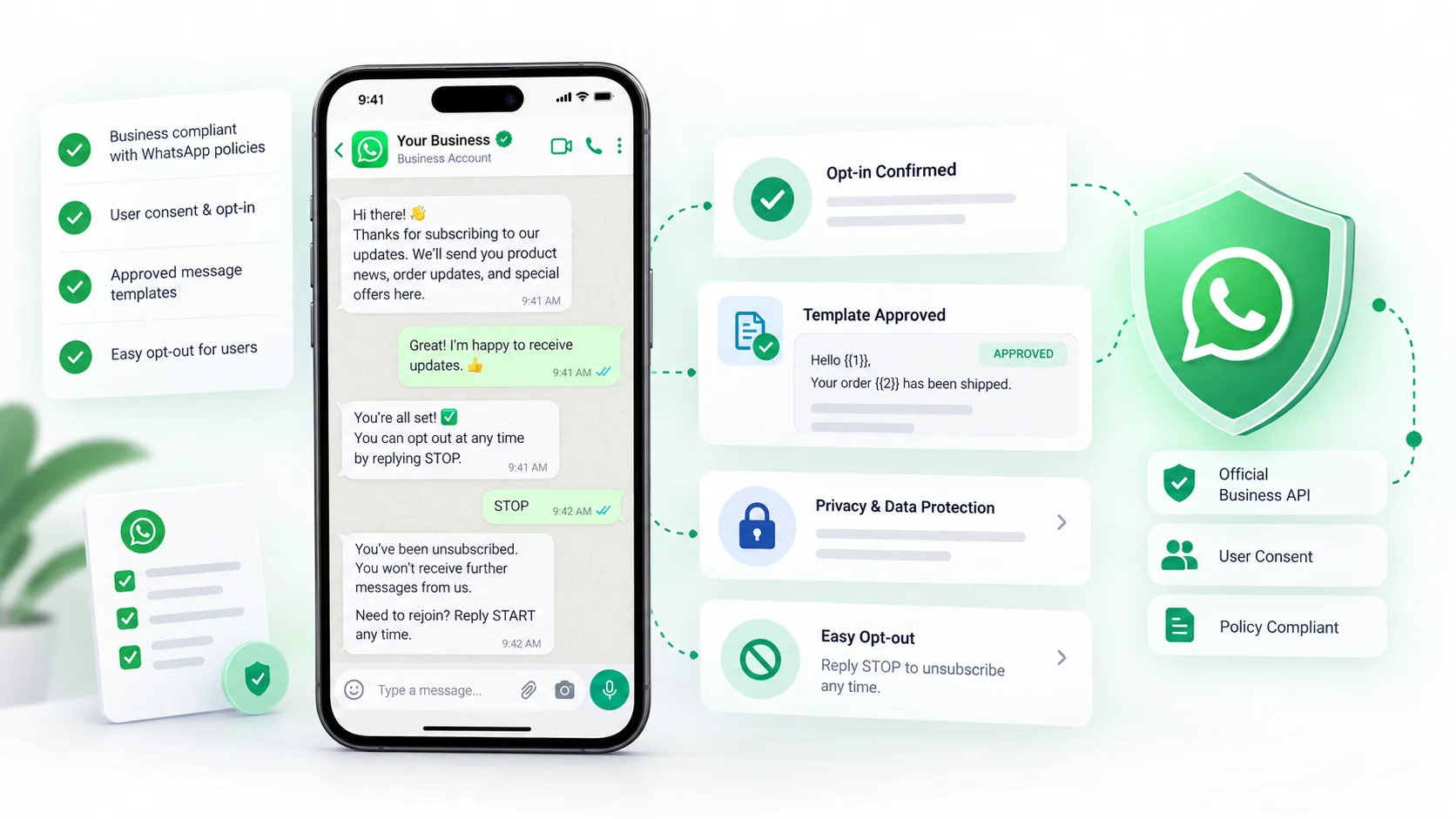
WhatsApp’s current Business Messaging Policy says a business should only contact someone after that person has provided their mobile number and opted in to receive messages from that business on WhatsApp.
The policy also expects the opt-in to make clear that WhatsApp messages will be sent and identify the business.
Examples of stronger opt-in flows include:
- a checkout checkbox for WhatsApp order updates;
- a lead form that states follow-up will happen on WhatsApp;
- a preference center where users select marketing or service notifications;
- a customer who initiates a WhatsApp conversation with the business;
- a QR code or click-to-WhatsApp ad that clearly starts a business conversation.
A phone number sitting in your database is not automatically consent for every future WhatsApp campaign.
Rule 2: Respect the 24-hour customer-service window
WhatsApp distinguishes between replies during the customer-service window and business-initiated communication outside it.
Under the current policy, businesses can generally reply without an approved template within 24 hours of the user’s last message. Outside that window, business-initiated communication generally requires an approved message template and is subject to the applicable WhatsApp pricing and policy rules.
This is one reason a CRM or automation platform should understand timing and template usage instead of treating every outbound message the same way.
Rule 3: Use approved templates where required
Templates are part of WhatsApp’s control system for business-initiated messages.
A template should match its intended purpose and comply with WhatsApp’s policies. Meta can review, approve, pause or reject templates.
Typical examples include:
- order or delivery updates
- appointment reminders
- account or service notifications
- approved marketing messages
Do not assume that once a template is approved, every audience use is automatically compliant. You still need appropriate consent and relevant use.
Rule 4: Provide a clear human escalation path
WhatsApp’s Business Messaging Policy allows automation during the customer-service window, but it also requires a timely and clear escalation path where needed.
Examples listed in the policy include:
- human-agent transfer in chat
- phone support
- email support
- web support
- support forms
This matters both for compliance and customer experience. A bot that cannot solve the problem should not become a dead end.
Rule 5: Respect opt-outs immediately
WhatsApp’s policy says businesses should honor requests to stop, block or opt out of further messages.
Operationally, your automation should make this easy.
Good practice includes:
- recognizing common stop requests;
- recording opt-out status centrally;
- excluding opted-out contacts from campaigns;
- allowing preference changes by message category where possible.
A customer should not have to unsubscribe repeatedly from the same business.
Rule 6: Do not confuse automation with permission to spam
Automation makes it easier to send more messages. That also makes mistakes easier to scale.
High-risk behavior includes:
- buying or scraping phone-number lists;
- sending promotions to people who never opted in;
- hiding the identity of the sender;
- creating false urgency or misleading claims;
- continuing to message people who asked to stop;
- using unofficial tools designed to bypass platform restrictions.
The official WhatsApp Business Messaging Policy is the primary source to review because Meta can change its rules over time.
Is bulk messaging legal?
Bulk messaging is not automatically unlawful simply because many recipients are involved. The risk comes from consent, content, targeting, frequency and applicable local law.
A campaign sent to 10,000 people who clearly opted in for that type of message is fundamentally different from a campaign sent to 10,000 scraped numbers.
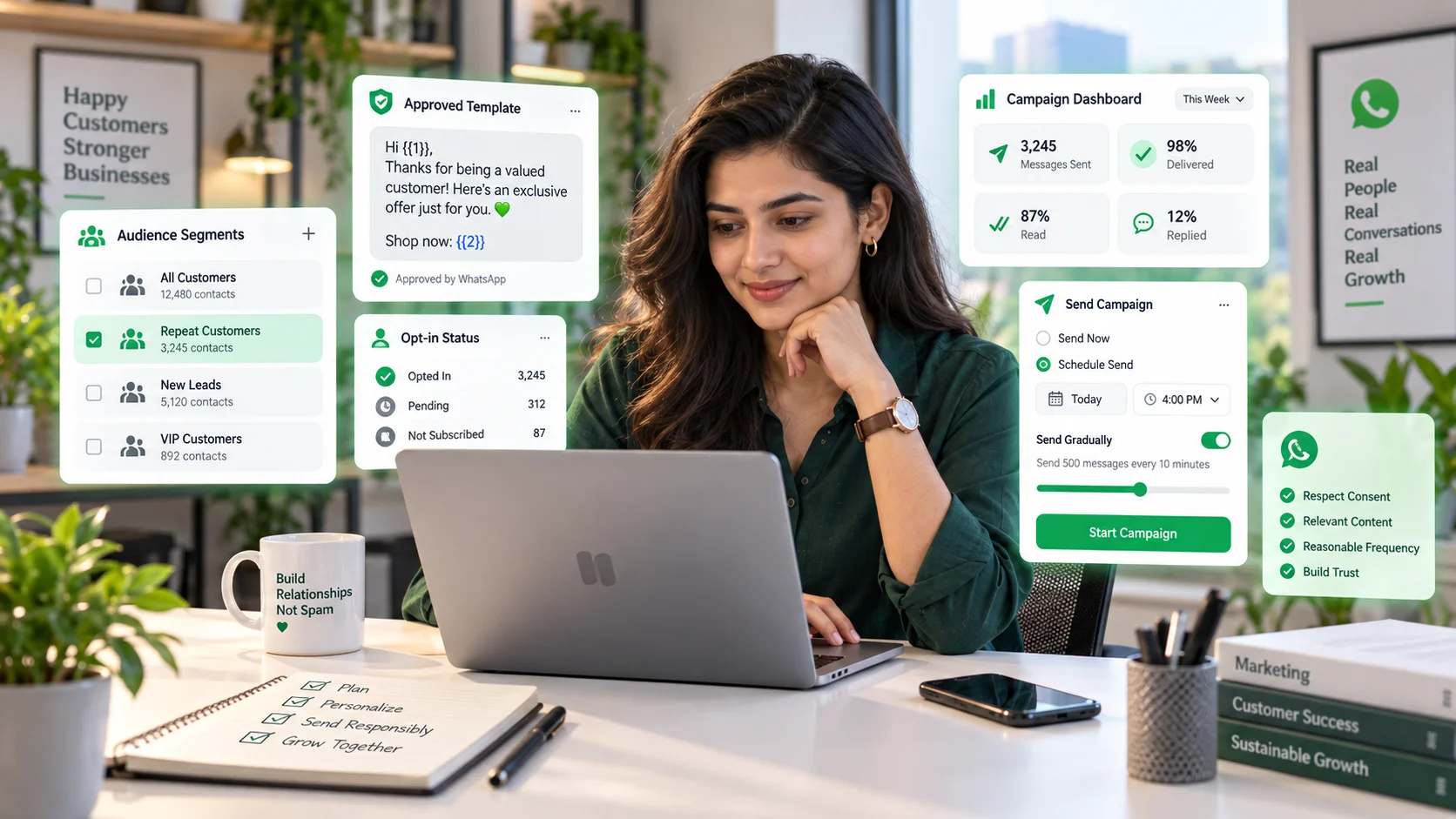
For the operational side of compliant high-volume messaging, read our guide on sending bulk WhatsApp messages without spamming customers.
What about privacy and customer data?
A WhatsApp CRM or automation system may process phone numbers, names, conversation history, order details, support information and other customer data.
Businesses should understand:
- what data is collected;
- why it is needed;
- where it is stored;
- who can access it;
- how long it is retained;
- how deletion or access requests are handled where required.
Do not collect extra data simply because an automation form makes it easy. Data minimization reduces both customer friction and compliance risk.
What about AI-generated replies?
Using AI to draft or generate WhatsApp replies does not remove your responsibility for the message.
For low-risk FAQs, AI can improve speed. For sensitive or consequential topics, businesses should define review and escalation rules.
Useful safeguards include:
- restricting the knowledge sources the AI can use;
- setting confidence thresholds;
- requiring human review for certain intents;
- preventing unsupported claims;
- logging conversations and outcomes.
The right question is not only whether AI can answer, but whether it should answer without human review.
WhatsApp automation and local law
WhatsApp policies apply to use of the platform, but local laws can create additional requirements around marketing, privacy, consumer protection and electronic communications.
If your business sends messages across countries, the relevant legal framework may depend on where your business operates, where the customer is located and what type of communication is being sent.
For high-volume marketing, regulated industries or sensitive customer data, obtain legal advice for your specific jurisdiction rather than relying only on platform policy.
A practical compliance checklist
- We know how each contact opted in.
- The opt-in clearly covered WhatsApp.
- The message category matches the consent received.
- We use approved templates where required.
- We understand the 24-hour customer-service window.
- Customers can reach a human when automation is not enough.
- Opt-outs are recorded and honored.
- We do not use purchased or scraped lists.
- We collect only customer data we actually need.
- We review applicable local privacy and marketing law.
Where a CRM helps with compliance
A good CRM does not make a business automatically compliant, but it can make compliant operations easier.
Useful features include:
- centralized opt-out status
- conversation history
- template management
- role-based ownership
- human handoff
- audit trails
- customer tags and consent categories
For workflow design, see our WhatsApp automation guide. For the CRM layer behind it, see the WhatsApp CRM guide.
Frequently asked questions
Is WhatsApp automation legal?
Automation can be used legally, but the business still needs to follow WhatsApp’s policies and applicable local law around consent, privacy, spam and customer communications.
Can I automate WhatsApp replies?
Yes. WhatsApp’s policy allows automation during the customer-service window, with clear escalation routes where needed.
Can I send marketing messages automatically?
Potentially, but you need appropriate opt-in, the correct approved template where required, and compliance with applicable local marketing and privacy rules.
Is bulk WhatsApp messaging legal?
It depends on consent, content, targeting and local law. Unsolicited mass messaging creates much greater policy and legal risk than permission-based communication.
Do customers need to opt in?
WhatsApp’s Business Messaging Policy requires businesses to contact people only after they have provided their number and opted in to receive WhatsApp messages from the business.
Final takeaway
WhatsApp automation is not a loophole around messaging rules. It is an operational tool.
Use automation to make customer service more consistent, not to send more messages to people who never asked for them. Build around consent, templates, clear handoff, data discipline and local legal requirements.