





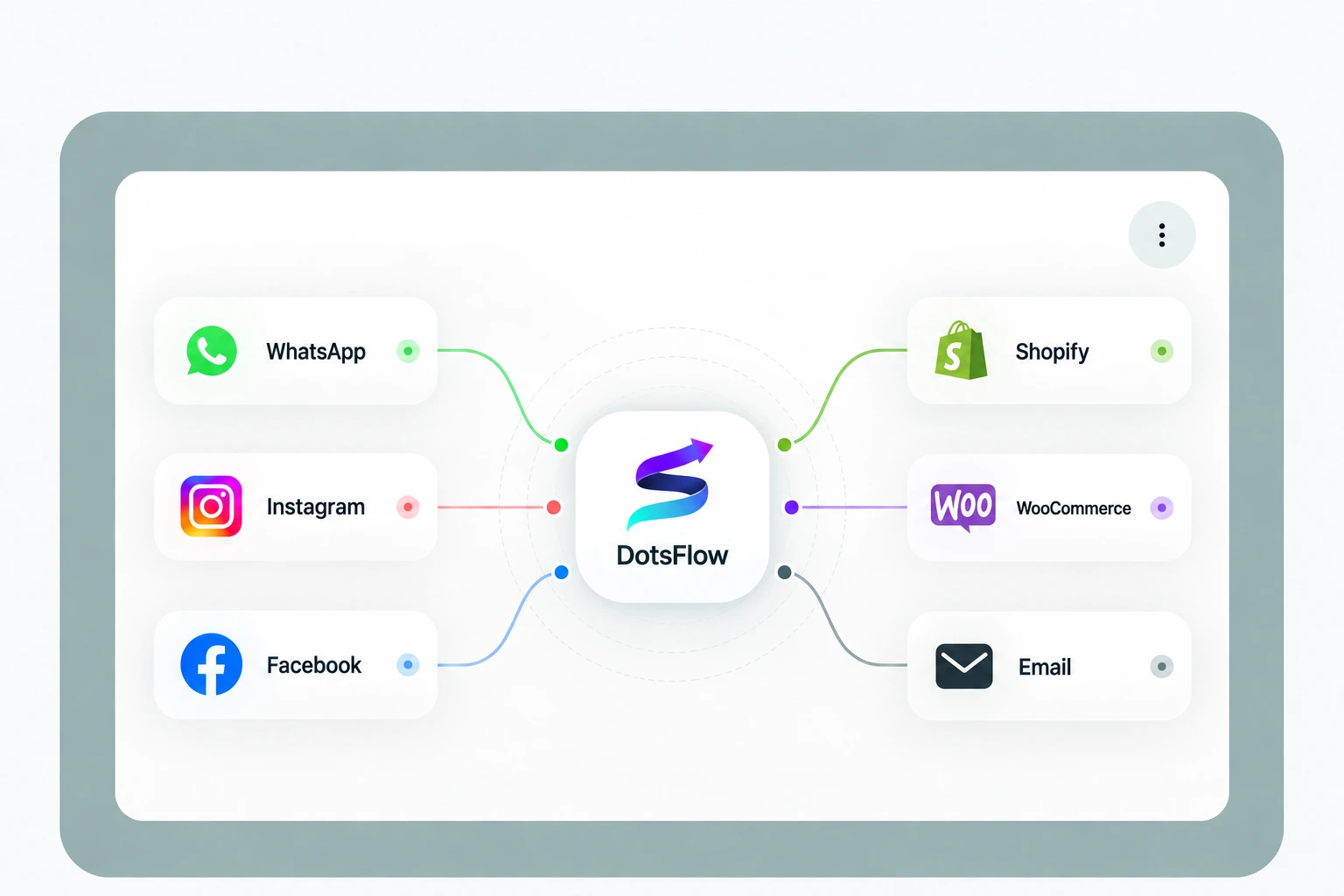



Your Customer Channels, Connected to DotsFlow

1/3

Choose Your Integration

Select the channel or platform you want to connect with DotsFlow.

2/3

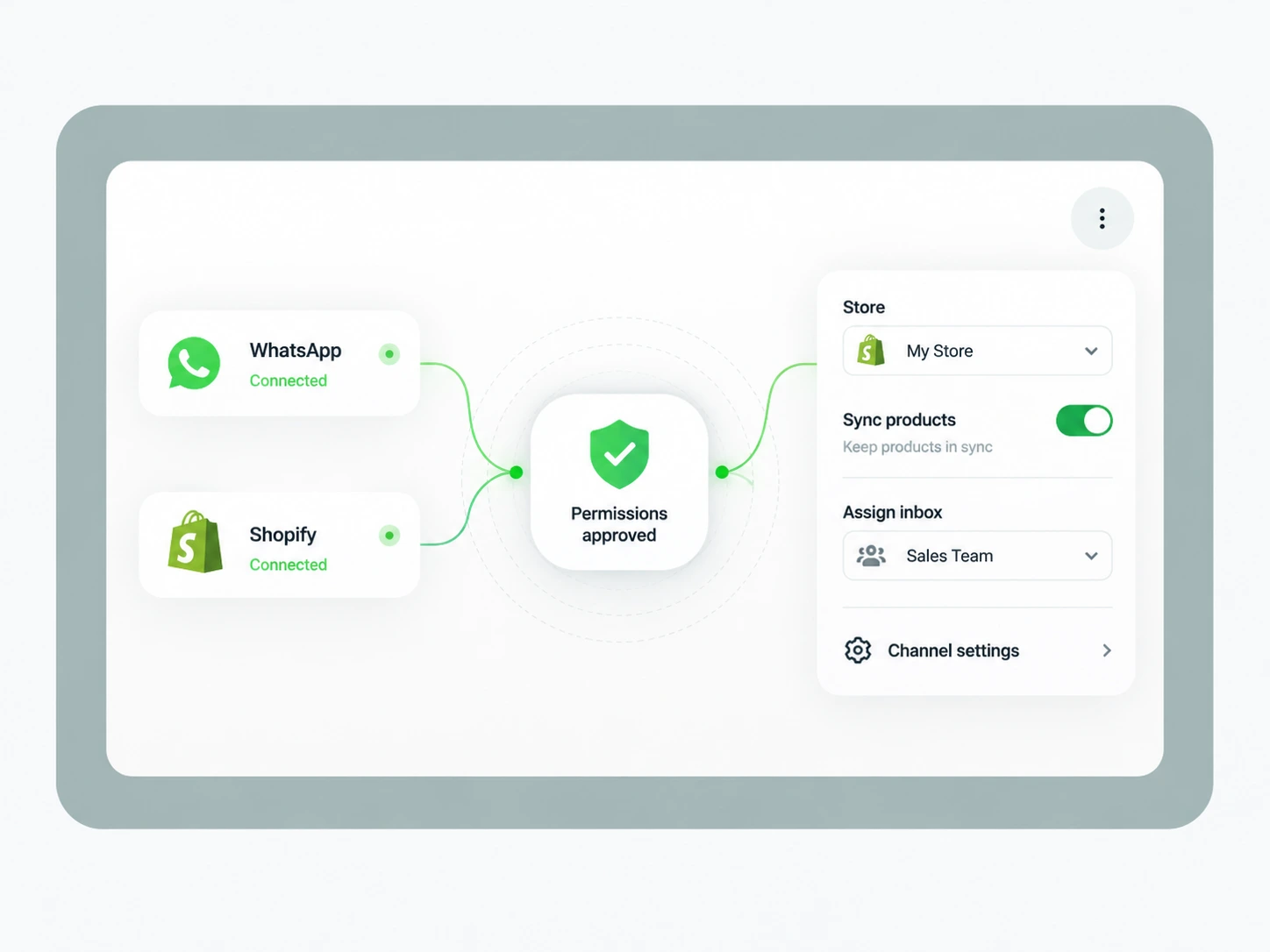
Authorize & Configure

Complete the secure connection and choose the relevant business, channel or store settings.

3/3

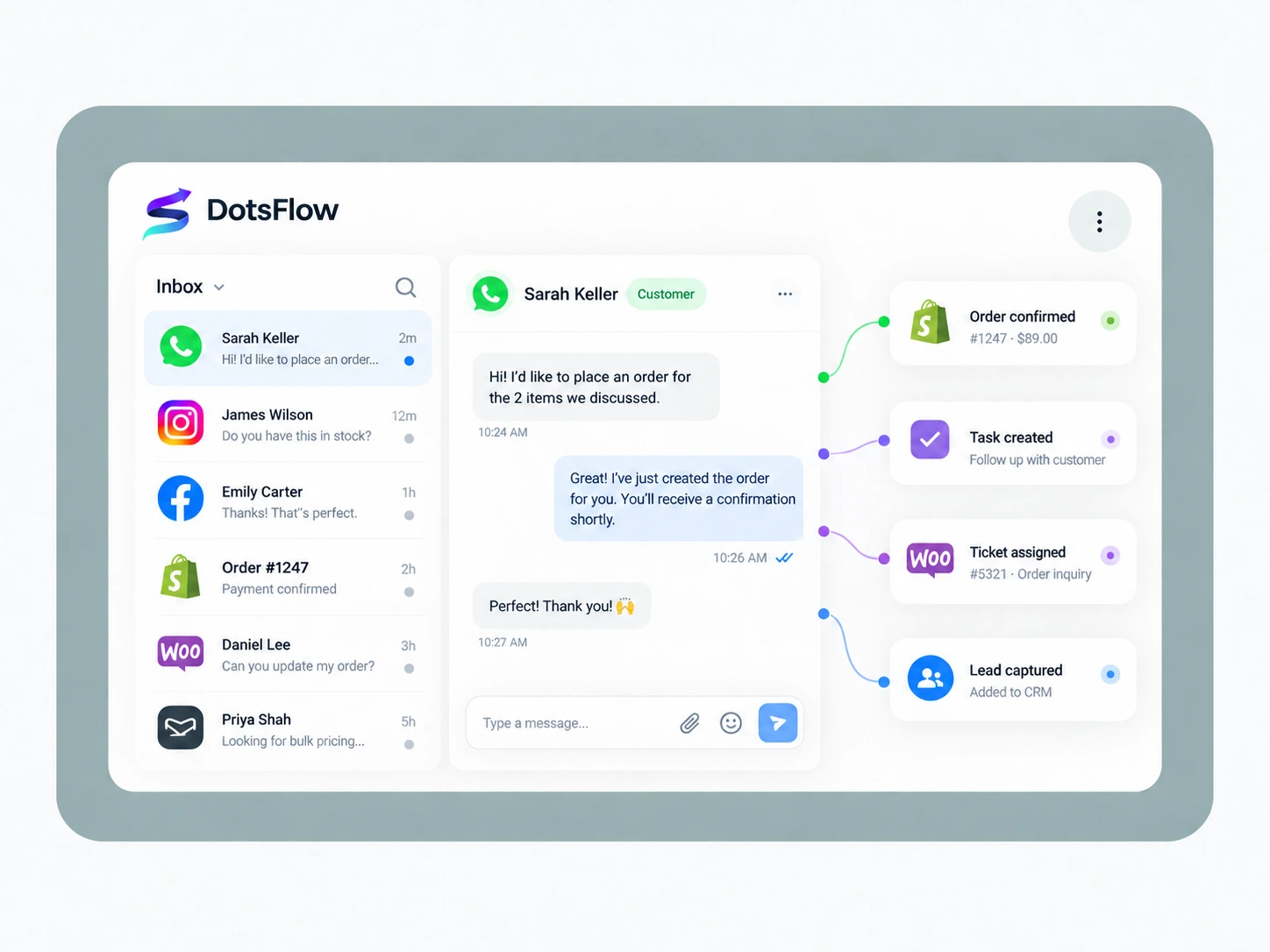
Start Working in DotsFlow

Once connected, your team can start handling supported conversations and customer workflows from DotsFlow.

Learn how to connect messaging channels and ecommerce platforms with DotsFlow.

DotsFlow currently supports WhatsApp, Instagram, Facebook Messenger, email, Shopify and WooCommerce, with additional integrations added as the platform develops.

Yes. You can connect multiple supported customer channels to DotsFlow so your team can manage conversations in a more organized workspace. Availability and setup requirements can depend on your plan and configuration.

Connect WhatsApp through DotsFlow's supported Meta setup, authorize the relevant business account and select the phone number or business assets required for your workspace. The exact steps can vary depending on your Meta and WhatsApp Business configuration.

Yes. DotsFlow supports Shopify and WooCommerce connections so customer and ecommerce context can be used in supported sales, service and order-related workflows. Available capabilities can depend on your plan and store configuration.

Contact us with the platform and workflow you need. We can confirm current availability and whether there is a supported alternative or a planned integration for your use case.